
CROSS-PLATFORM RUST APP FRAMEWORK
Build desktop, mobile and web apps in Rust
Fission is a cross-platform Rust application and GUI framework. Build your interface, state and application logic once, then run, test and package it for macOS, Windows, Linux, Android, iOS and Web.
$
cargo install cargo-fission
Rust application code
One language and toolchain
Desktop, mobile and web
One shared codebase
Built to ship
Testing and packaging included
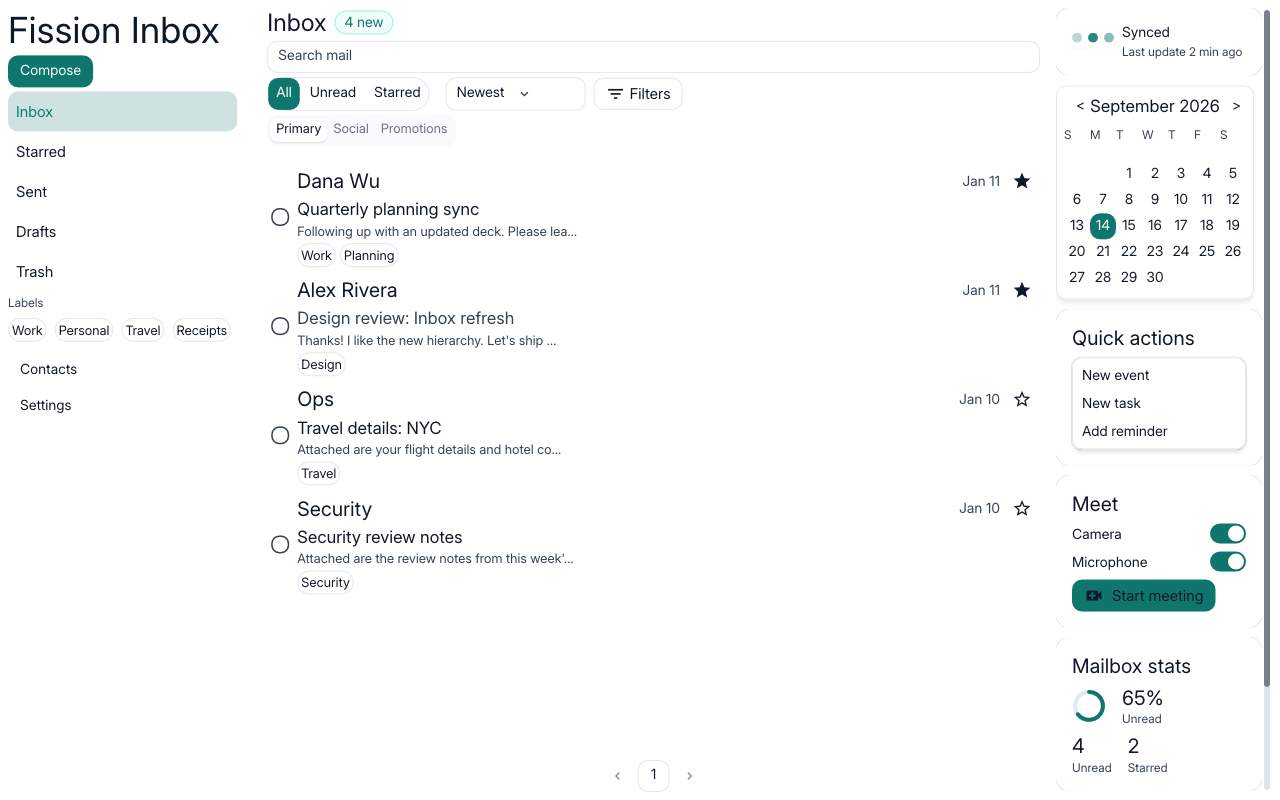
Desktop
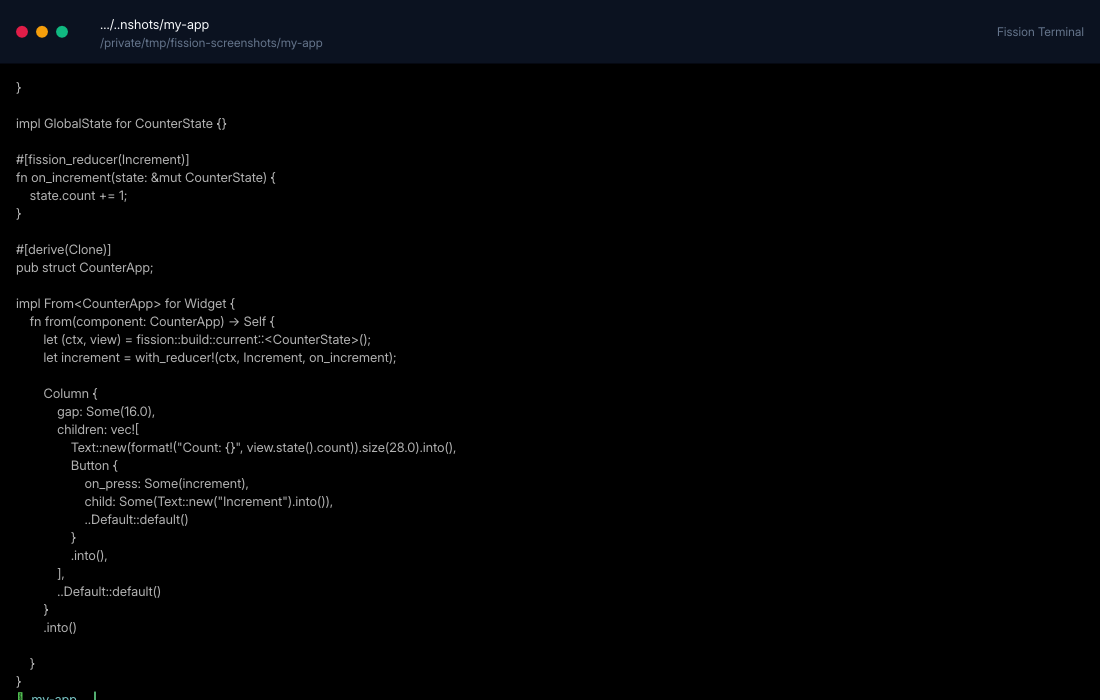
Terminal
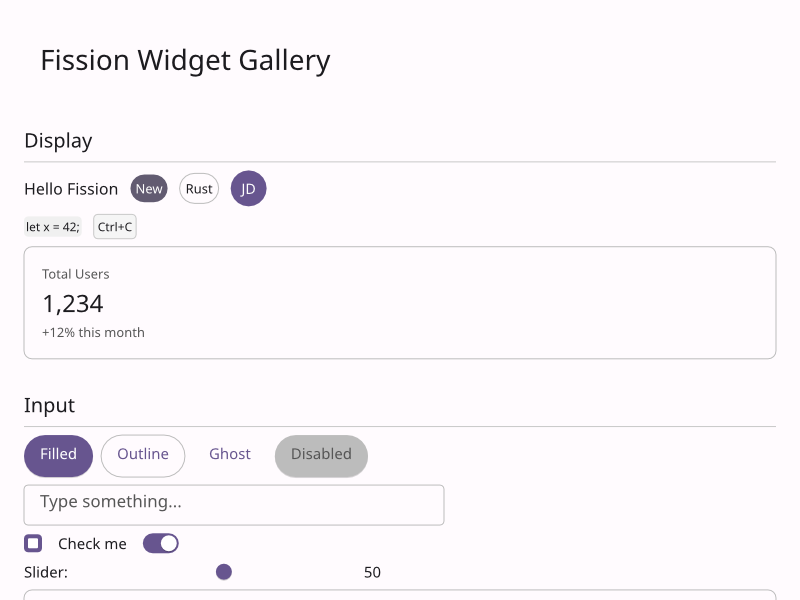
Web
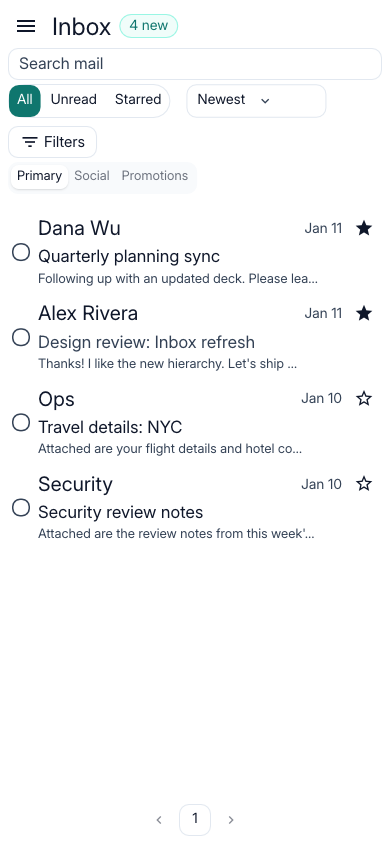
Compact layout
WHY FISSION
A Rust app framework built for shipping.
Share the work that should be shared, keep platform-specific control where it matters, and take the same product from development to release.
Move faster
Share application logic, state and interface across every target instead of rebuilding them for each platform.
Stay consistent
One widget set and one set of design tokens keep behaviour and look aligned as the product grows.
Own the stack
Plain Rust types, portable primitives and explicit escape hatches when a platform needs something special.
Explore Fission as a Rust application framework →
RUST UI DEVELOPMENT
Build the interface and app logic in Rust.
Define state with Rust types, update it with typed reducers and compose the interface from retained widgets. Fission updates the rendered app when state changes without requiring a JavaScript frontend or a separate UI language.
Follow the quickstart →
How the runtime works →
#[fission_reducer(Increment)]
fn on_increment(state: &mut CounterState) {
state.count += 1;
}
impl From<CounterApp> for Widget {
fn from(_: CounterApp) -> Self {
let (ctx, view) = fission::build::current::<CounterState>();
Column {
children: vec![
Text::new(format!("Count: {}", view.state().count)).into(),
Button {
on_press: Some(with_reducer!(ctx, Increment, on_increment)),
child: Some(Text::new("Increment").into()),
..Default::default()
}
.into(),
],
..Default::default()
}
.into()
}
}
SUPPORTED PLATFORMS
One Rust codebase for desktop, mobile and web.
Build for macOS, Windows, Linux, Android, iOS and Web with shared Rust UI and application code. The same framework also supports terminal apps, static sites and server rendering.
macOS
Windows
Linux
Web
Android
iOS
Terminal
Static site
SSR
Explore cross-platform Rust app development →
EXAMPLES
See real Fission apps and Rust UI examples.
Every screenshot comes from a checked-in example you can run, inspect and adapt for your own application.
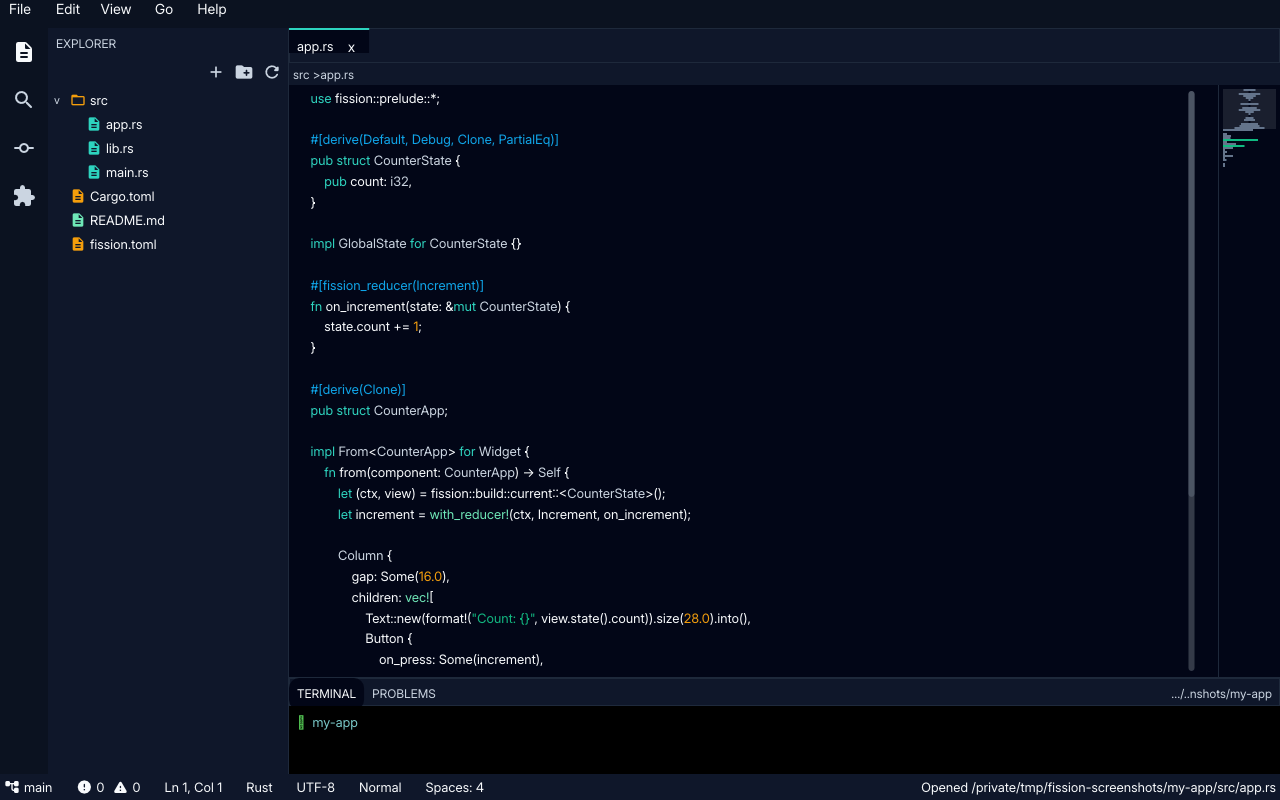
A code editor with a file tree, tabs and a terminal
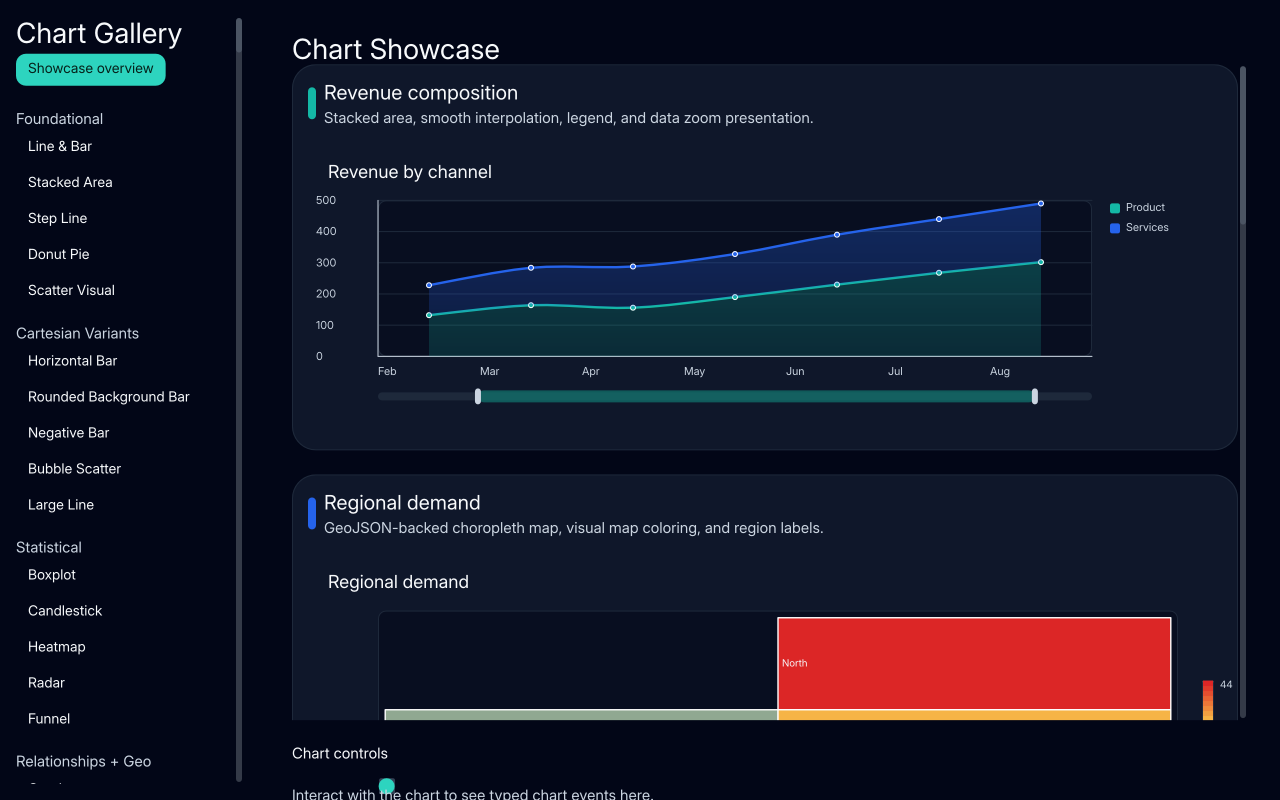
Line, bar, map, hierarchy and 3D charts
Every built-in widget, live
FROM UI TO RELEASE
More than a Rust GUI toolkit.
Fission combines the UI framework with accessibility, platform integration, testing and packaging so teams can finish and ship the application.
Shared state and UI
One codebase with the same behaviour on every target.
Native integration
Notifications, biometrics, camera and deep links where the platform allows.
Accessible by default
Semantics, keyboard navigation and focus handling are built in.
Tested and packaged
Drive real apps in tests, then package and publish with one command.
GET STARTED
Build your first Rust app in minutes.
If you have Rust installed, four commands create and run a Fission app. The quickstart also covers the toolchain and adding Web, Android and iOS targets.
Follow the Rust app quickstart →
Browse runnable Fission examples →
cargo install cargo-fission
fission init my-app
cd my-app
fission run
# the same app on other targets
fission add-target web android ios
fission run --target web
Ready to build an app in Rust?
Install the Fission CLI and run your first desktop app, then add Web, Android or iOS when you need them.