
3D topology
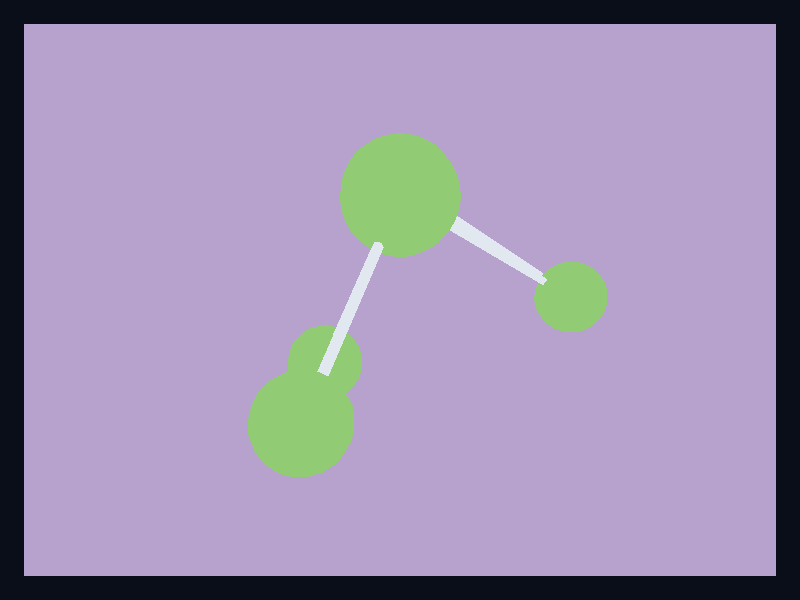
Topology describes which objects are connected. A spatial layout adds where they are drawn. In a building network, the layout might place devices by room and floor, whilst the links describe their actual connections. Moving a device to another room changes its position; it must not silently change its neighbours.
Depth is justified when that physical placement is part of the task. If all three coordinates are just a way to spread a dependency graph across the screen, the extra occlusion may make the graph harder rather than easier to understand.
Use one resolved scene component
The 3D graph page defines NetworkScene and Link3D in widgets/spatial_graph.rs. The 3D network page shows how to resolve links from durable device IDs. Keep both responsibilities explicit and reuse the same presentation component.
use fission::prelude::*;
use fission::core::op::Color;
use fission::three_d::Point3D;
use crate::widgets::spatial_graph::{Link3D, NetworkScene};

fission_component! {
    pub BuildingTopology<()> {
        props {
            title: TextContent,
            device_positions: Vec<Point3D>,
            resolved_links: Vec<Link3D>,
            device_color: Color,
            connection_color: Color,
        }
    }
    view(topology, _state, _cx) => NetworkScene {
        title: topology.title.clone(),
        positions: topology.device_positions.clone(),
        links: topology.resolved_links.clone(),
        node_color: topology.device_color,
        link_color: topology.connection_color,
    }
}
Enable the three-d feature. Use a documented unit and coordinate convention for device positions, for example one scene unit per floor with a separate scale for horizontal room placement. A distortion can be useful for readability, but it must not be presented as an accurate physical distance.
Interaction and semantics
The legacy scene primitive interface does not retain per-device graph identities or provide ChartInteractionEvent picking. Keep those identities in the model and use a labelled device list for inspection, or choose a scene interface with explicit picking support.
The same list should explain connections without relying on colour or geometry. A title identifies the view, not every relationship inside it.
Checks
Test that changing positions leaves the connection IDs unchanged and that missing endpoints are reported before rendering. Inspect links crossing between floors and devices which line up from the chosen viewpoint. The screenshot is the gallery fixture, not proof that a particular building layout remains readable.
Tags: 3d, graph.
Previous
3D terrain response