
Toolbox zoom
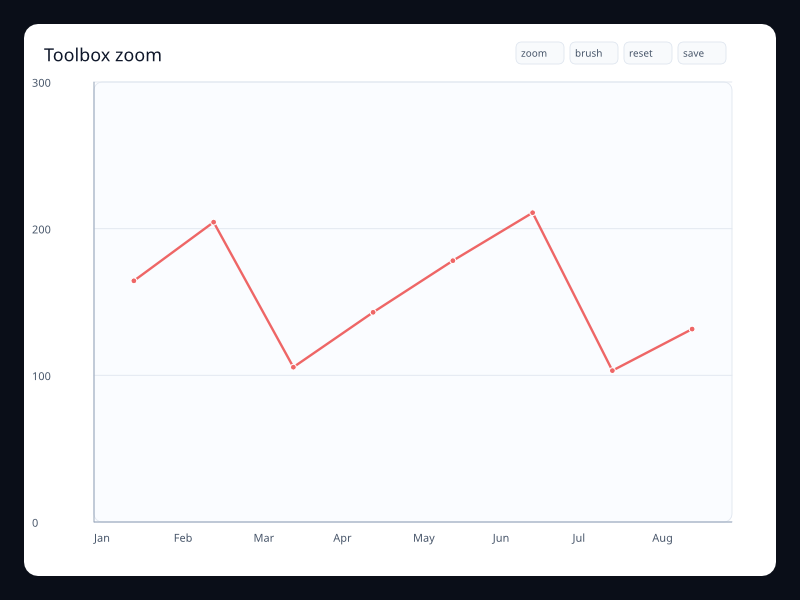
The word zoom in a toolbox is not the zoom mechanism. The current toolbox labels are painted decorations; the supported category-window interaction is configured through DataZoom.
For queue history, reuse ZoomableQueueHistory from data zoom long, placed in widgets/zoomable_queue_history.rs:
use fission::prelude::*;
use crate::widgets::zoomable_queue_history::ZoomableQueueHistory;

fission_component! {
    pub InspectableQueueWindow<()> {
        props {
            chart_id: WidgetId,
            title: String,
            jobs_label: String,
            intervals: Vec<String>,
            waiting_jobs: Vec<u32>,
            start_percent: f32,
            end_percent: f32,
        }
    }
    view(window, _state, _cx) => ZoomableQueueHistory {
        chart_id: window.chart_id,
        title: window.title.clone(),
        jobs_label: window.jobs_label.clone(),
        intervals: window.intervals.clone(),
        waiting_jobs: window.waiting_jobs.clone(),
        initial_start: window.start_percent,
        initial_end: window.end_percent,
    }
}
Supply a valid initial positional range and aligned observations. Retained zoom state can supersede the initial values after interaction; changing props is not a universal reset command.
Keep chart identity stable and provide an accessible report-range control outside the painted plot. Test continuous slider dragging, release and rebuild behaviour with LiveTest. Do not call a screenshot of the zoom label an interaction test. The gallery image above illustrates the decorative toolbox variant; the component uses the real data-zoom slider instead.
Previous
Toolbox full