
Report toolbox chart
A reporting screen often needs commands around the chart: export the source rows, reset filters or open the underlying records. Those commands belong to the application because they need its current filters, data and permissions.
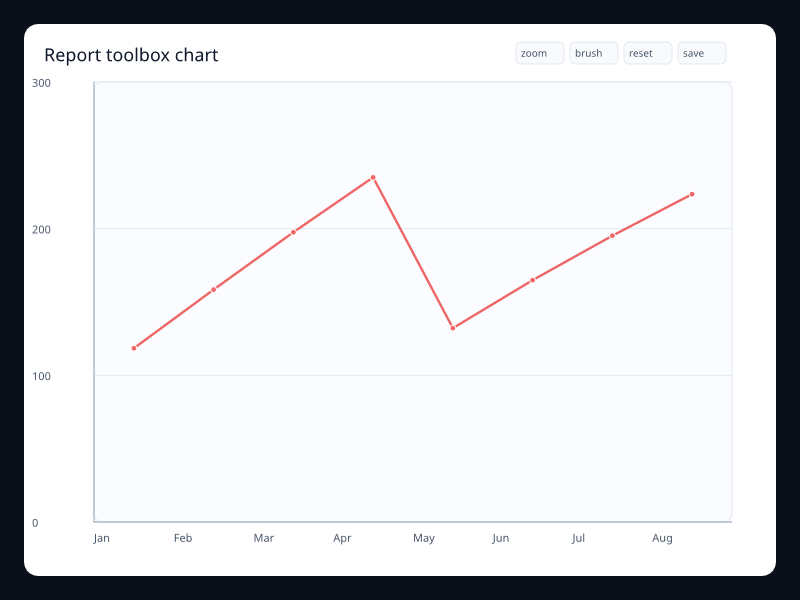
The current chart toolbox draws labels for Restore, SaveImage, DataZoom and Brush. It does not route those labels as working commands. Adding a save label therefore does not implement export.
Compose example
Use ordinary buttons bound to the report's registered actions. This keeps keyboard behaviour, semantics and disabled state in the standard widget API.
use fission::prelude::*;
use fission::charts::{Axis, Chart, LineSeries, Series};

fission_component! {
    pub ReportWithCommands<()> {
        props {
            title: String,
            measure_label: String,
            periods: Vec<String>,
            values: Vec<f32>,
            export_label: TextContent,
            reset_label: TextContent,
            export_action: ActionEnvelope,
            reset_action: ActionEnvelope,
            exporting: bool,
        }
    }
    view(report, _state, _cx) {
        let labels = report.periods.iter().map(String::as_str).collect();
    } => Column(children: [
        Row(children: [
            Button(
                child: Text(report.export_label.clone()),
                disabled: report.exporting,
                on_press: report.export_action.clone(),
            ),
            Button(
                child: Text(report.reset_label.clone()),
                on_press: report.reset_action.clone(),
            ),
        ]),
        Chart(
            title: Some(report.title.clone()),
            x_axis: Some(Axis::category(labels)),
            y_axis: Some(Axis::value()),
            series: vec![Series::Line(
                LineSeries::new(&report.measure_label).data(report.values.clone()),
            )],
        ),
    ])
}
The parent creates the actions and registers their reducers against its concrete app state. Export should queue an effect with explicit success and failure handling, not write a file during component conversion. Reset should update the authoritative report filters.
Verify the command, not its appearance
Validate equal period/value lengths and finite display values. Test export against the same filtered snapshot the chart represents, including a failed export and repeated activation whilst pending. If a target cannot export, present that limitation rather than an inert control.
The gallery screenshot shows toolbox styling. It is not evidence that a save operation has been implemented.
Previous
Region sales map
Next
Retention area