
3D network scene
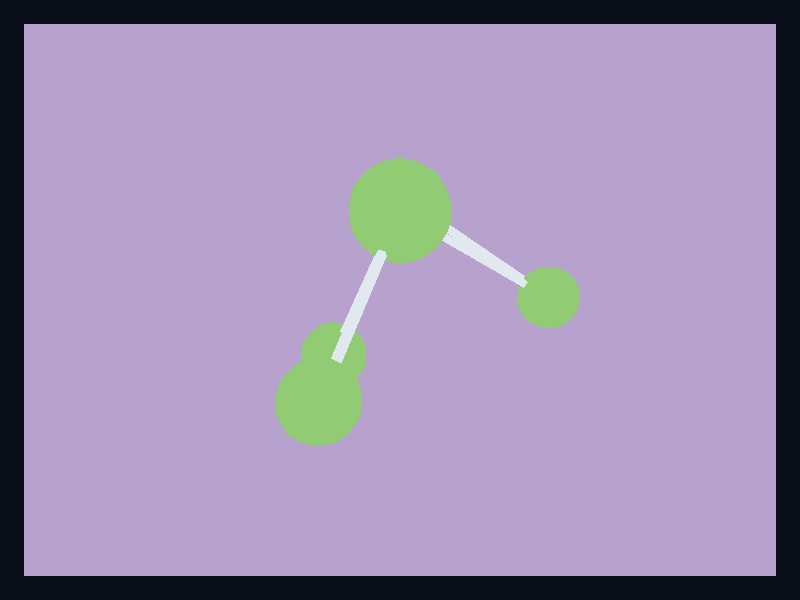
A physical network view combines device placement with connections. Those facts must remain independent: moving a device in the layout must not connect it to whichever device happens to occupy its old vector position.
This gallery entry uses the node spheres and connection prisms from 3D graph. That reference defines NetworkScene and Link3D in widgets/spatial_graph.rs; 3D network shows durable-ID endpoint resolution with errors for unknown or duplicate device IDs.
Compose the resolved cable map
use fission::prelude::*;
use fission::core::op::Color;
use fission::three_d::Point3D;
use crate::widgets::spatial_graph::{Link3D, NetworkScene};

fission_component! {
    pub CableMap<()> {
        props {
            title: TextContent,
            device_positions: Vec<Point3D>,
            resolved_connections: Vec<Link3D>,
            device_color: Color,
            cable_color: Color,
        }
    }
    view(cables, _state, _cx) => NetworkScene {
        title: cables.title.clone(),
        positions: cables.device_positions.clone(),
        links: cables.resolved_connections.clone(),
        node_color: cables.device_color,
        link_color: cables.cable_color,
    }
}
Enable the three-d feature. The parent supplies translated text, theme colours and validated geometry after resolving connections from its device records.
Check relationships as well as appearance
Test that reordering device records leaves the same endpoints connected. Then inspect dense junctions and links hidden behind devices in a rendered target. Keep names, connection endpoints and status in an accessible list.
The legacy scene provides primitives and optional viewport dimensions, not graph layout, camera builders or per-device chart events. If interaction inside the scene is required, use an explicit picking-capable interface rather than assuming these meshes retain device identities. The screenshot is the gallery fixture.
Tags: 3d, network.
Previous
3D network