
Live alert scatter
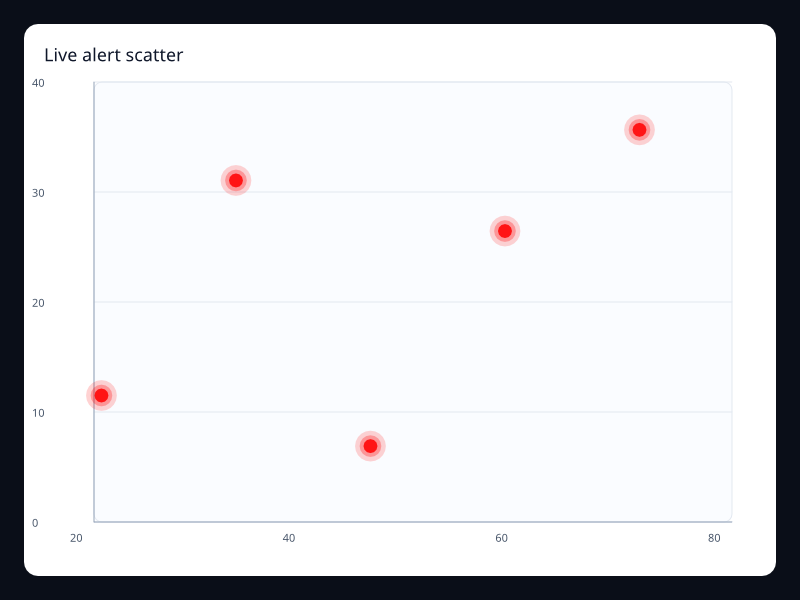
A highlighted point is a way to draw attention to a service alert; it is not the alert's lifecycle. The application still needs to load alerts, retain their IDs, and remove or resolve them when new evidence arrives.
The active service alerts example defines ActiveServiceAlerts in widgets/active_service_alerts.rs. Use its actual EffectScatterSeries projection:
use fission::prelude::*;
use fission::core::op::Color;
use crate::widgets::active_service_alerts::ActiveServiceAlerts;

fission_component! {
    pub ServiceAlertPanel<()> {
        props {
            chart_id: WidgetId,
            title: String,
            alerts_label: String,
            payload_label: String,
            latency_label: String,
            alert_points: Vec<(f32, f32)>,
            alert_colour: Color,
        }
    }
    view(panel, _state, _cx) => ActiveServiceAlerts {
        chart_id: panel.chart_id,
        title: panel.title.clone(),
        alerts_label: panel.alerts_label.clone(),
        payload_label: panel.payload_label.clone(),
        latency_label: panel.latency_label.clone(),
        alert_points: panel.alert_points.clone(),
        alert_colour: panel.alert_colour,
    }
}
The name EffectScatter refers to the chart's emphasized marks. It does not request a Fission asynchronous effect, subscribe to telemetry, or guarantee a pulsing animation. Request external work through the normal effect/reducer flow and pass a coherent completed snapshot into this component.
Keep the chart ID stable across updates, whilst translating labels in the parent. If selecting an alert opens its detail, retain a parallel ID mapping for that exact snapshot. Test late completions, resolved alerts and empty/error states; an empty plot on its own does not explain whether there are no alerts or no connection. The gallery image has independent fixtures.
Previous
Live activation funnel
Next
Live bar update