
Mesh surface
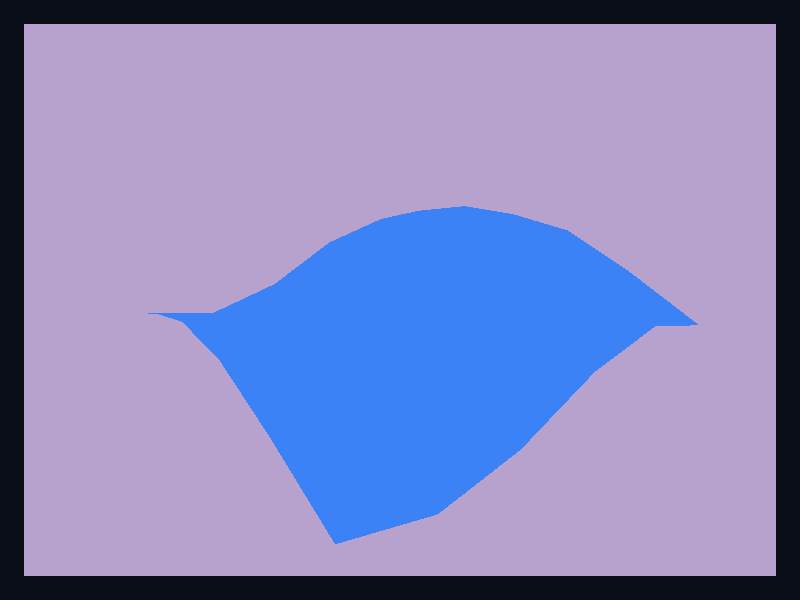
A mesh describes both positions and how those positions are connected. That second part matters: the same survey points can produce different surfaces if different triples are joined into triangles.
Use a surface when the data represents a continuous field or an actual connected object. Independent observations do not become a measured surface merely because a renderer can connect them.
Compose example
Keep vertices and triangle indices in the data projection, then give the reusable widget the already validated geometry. Each consecutive triple in indices identifies one triangle.
use fission::prelude::*;
use fission::core::op::Color;
use fission::three_d::{Point3D, Primitive3D, Scene3D};

fission_component! {
    pub SurveySurface<()> {
        props {
            title: TextContent,
            vertices: Vec<Point3D>,
            indices: Vec<u32>,
            surface_color: Color,
        }
    }
    view(surface, _state, _cx) {
        let scene = Scene3D::new().height(320.0)
            .add_primitive(Primitive3D::Mesh {
                vertices: surface.vertices.clone(),
                indices: surface.indices.clone(),
                color: surface.surface_color,
            });
    } => Column(children: [
        Text(surface.title.clone()),
        scene,
    ])
}
Enable Fission's three-d feature. Primitive3D::Mesh accepts Vec<Point3D> vertices, Vec<u32> indices and a colour. It does not generate connectivity from raw measurements. The parent supplies translated text and a design-system colour.
Validate the surface, not just the coordinates
Require finite positions, an index count divisible by three, indices within the vertex array and a consistent triangle winding. Degenerate triangles and holes also need an intentional policy in the mesh generator. Replacing an unavailable elevation with zero can create a false pit or bridge; preserve missing data rather than manufacturing geometry.
This legacy scene API has optional viewport dimensions, but no camera, size or ambient_light builder methods. It does not turn triangles into chart-series events or automatically create accessible descriptions of their data.
Checks
Test connectivity on a small surface whose expected triangles are known. Inspect a real rendering for holes, winding mistakes and misleading vertical exaggeration. State coordinate units and scaling in the UI and provide an accessible summary or source-value table. The screenshot comes from the gallery's sample mesh.
Tags: 3d, mesh.
Previous
Globe markers
Next
Point cloud