
Capacity headroom gauge
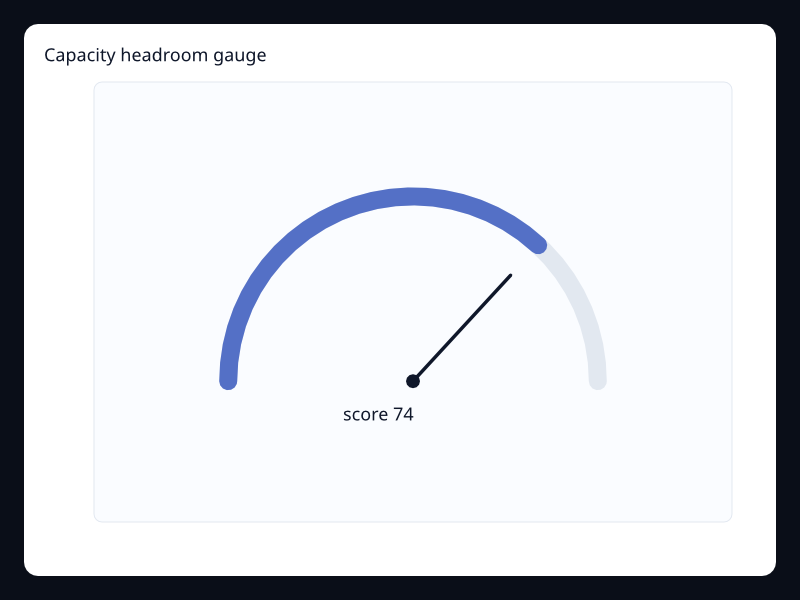
Headroom is the part of usable capacity which remains available. It is related to utilisation, but its direction is reversed: a smaller headroom value usually means less room for additional work. The screenshot is from Fission's chart gallery.
What the chart is for
For a worker pool, define whether headroom means unallocated concurrency, unreserved memory or another capacity measure. Do not combine those quantities into an unexplained percentage. This example uses unallocated worker slots.
Data model
Calculate 100 × (total_slots - allocated_slots) / total_slots in the report model, handling zero capacity explicitly. Over-allocation can produce negative headroom. The fixed 0–100 gauge arc clamps that value visually, so preserve it in a separate warning and exact-value display.
Authoring from a Fission component
The component receives the already-calculated percentage. It neither allocates resources nor assumes that a free slot guarantees enough memory or other resources to run a job.
use fission::prelude::*;
use fission::charts::{Chart, GaugeSeries};

// The parent resolves display labels from its translation bundles.
fission_component! {
    pub WorkerSlotHeadroomGauge<()> {
        props {
            chart_title: String,
            series_label: String,
            value_label: String,
            available_percent: f32,
        }
    }
    view(report, _state, _cx) => Chart(
        title: Some(report.chart_title.clone()),
        series: vec![GaugeSeries::new(&report.series_label)
            .data(vec![(&report.value_label, report.available_percent)])
            .into()],
    )
}
Testing and accessibility
Test an empty pool, full allocation and over-allocation. Verify the distinction between zero headroom and an unavailable capacity measurement. Show available/total slots, the observation time and exceptional values as accessible content outside the arc.
Tags: gauge, capacity.
Previous
Build confidence gauge
Next
Cycle polar line